


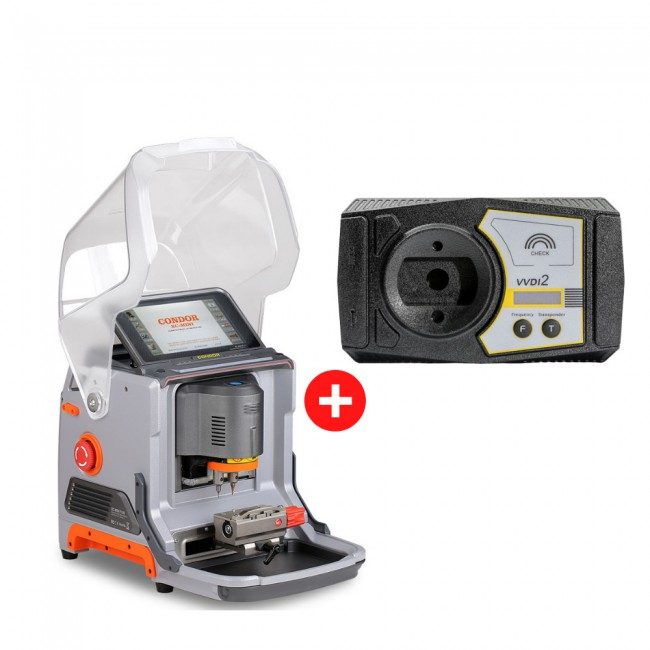
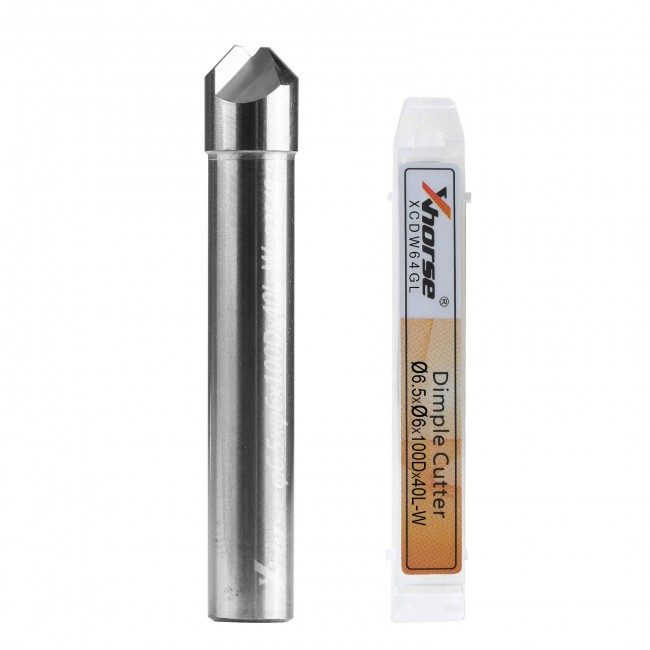
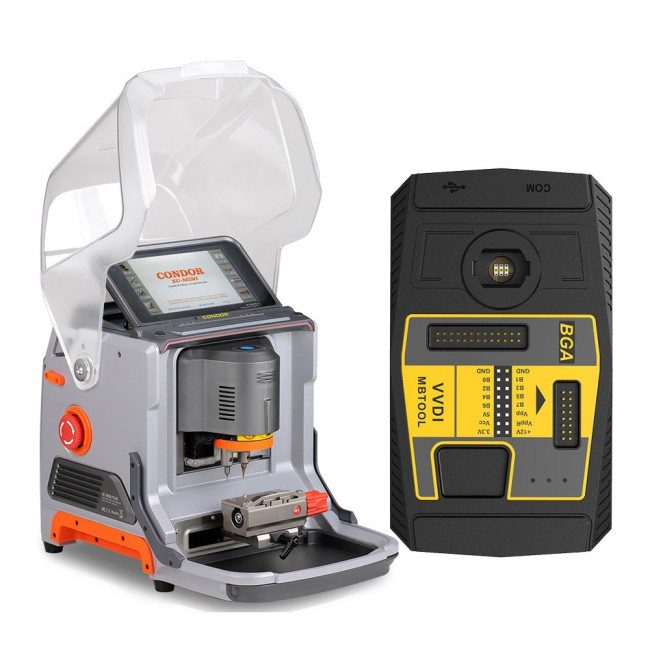
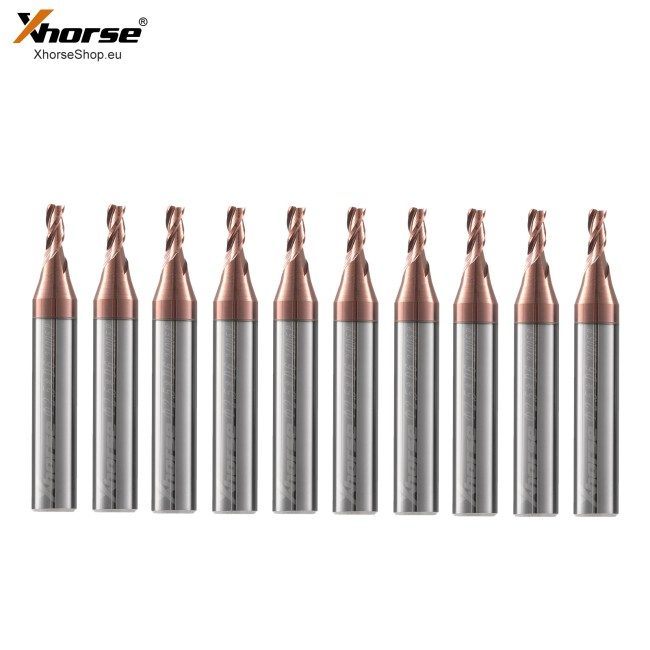
All offers of Xhorse Version Xhorse
5 tarjousta · alkaen 190.00 €OfferConditionColourAvailabilityPrice
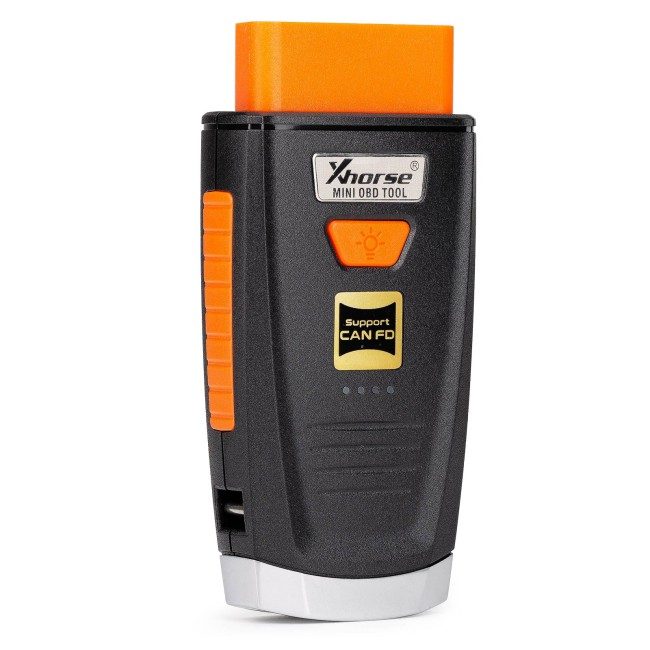
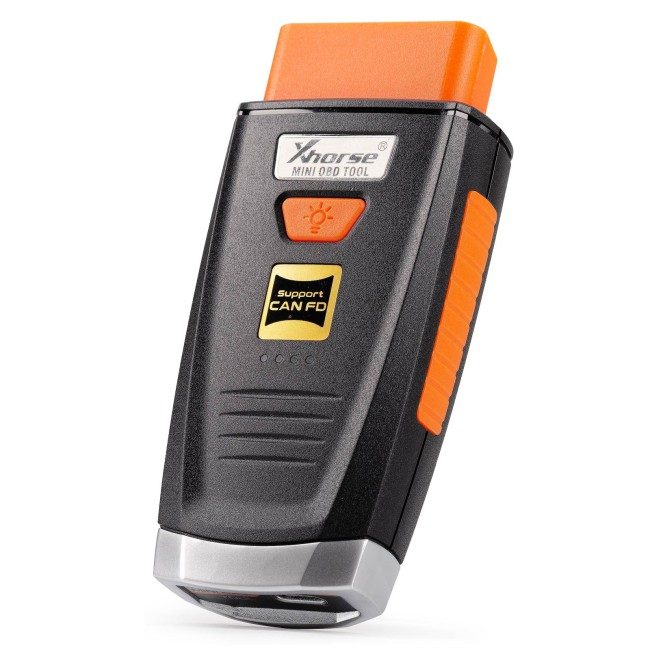
New Version Xhorse VVDI MINI OBD Tool V2 IMMO Programmer Work with VVDI MAX / Xhorse AppThis offer — — Tilattavissa 276.25 € 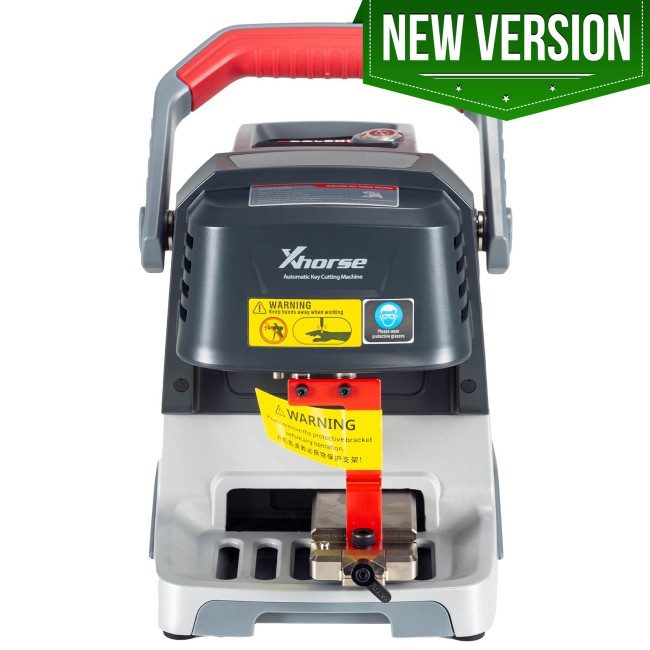 New Version Xhorse Dolphin XP005 Key Cutting Machine with M5 Clamp by Mobile App for both IOS and Android Multi-Languages Free Update Online — — Tilattavissa 1 913.75 €View →
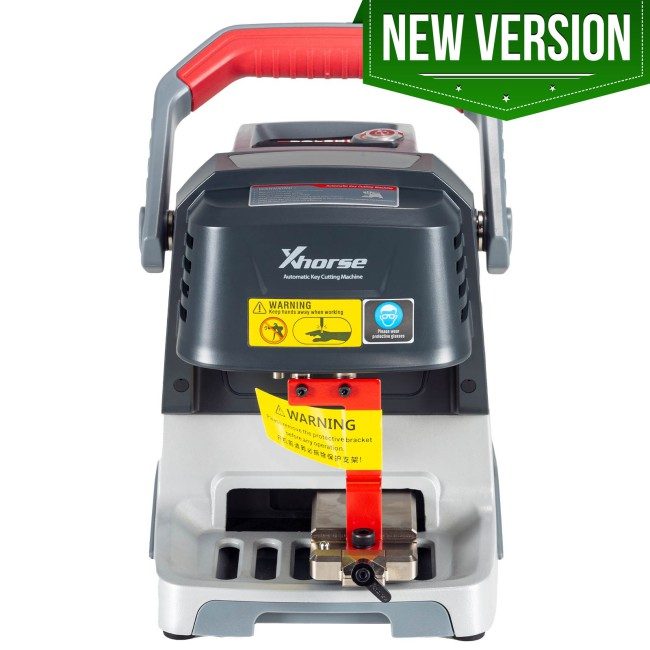 New Version Xhorse Dolphin XP005 Key Cutting Machine Upgrade Version with M5 Clamp Replacement of XP005 — — Tilattavissa 1 913.75 €View →
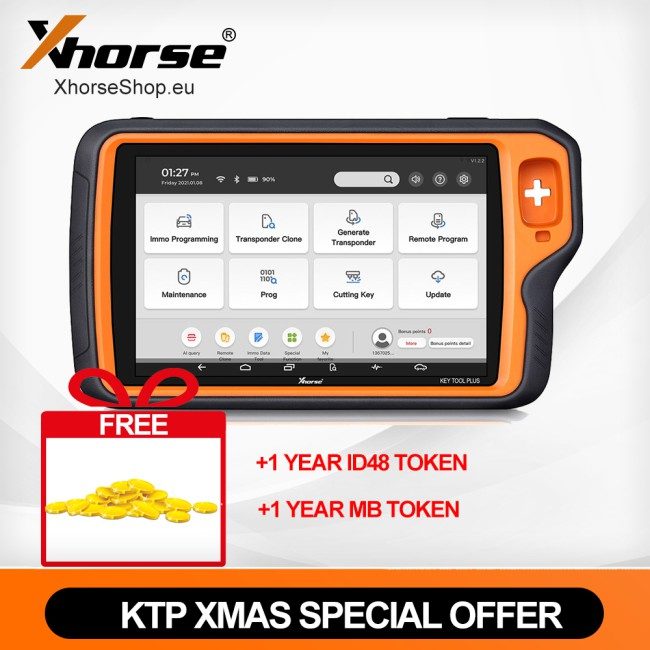
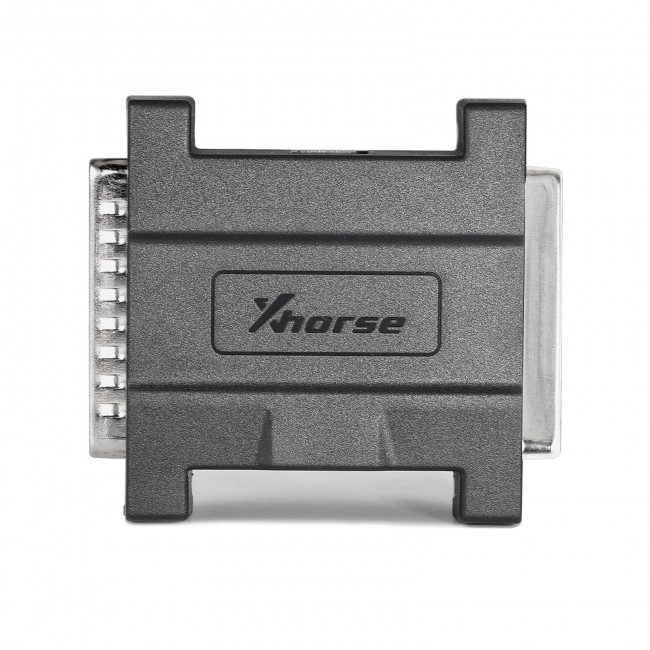 New Version Xhorse Toyota 8A AKL Adapter TOY8A AKL Smart Key Adapter XD8ASK for All Key Lost work with Xhorse VVDI Key Tool Plus — — Tilattavissa 197.50 €View →
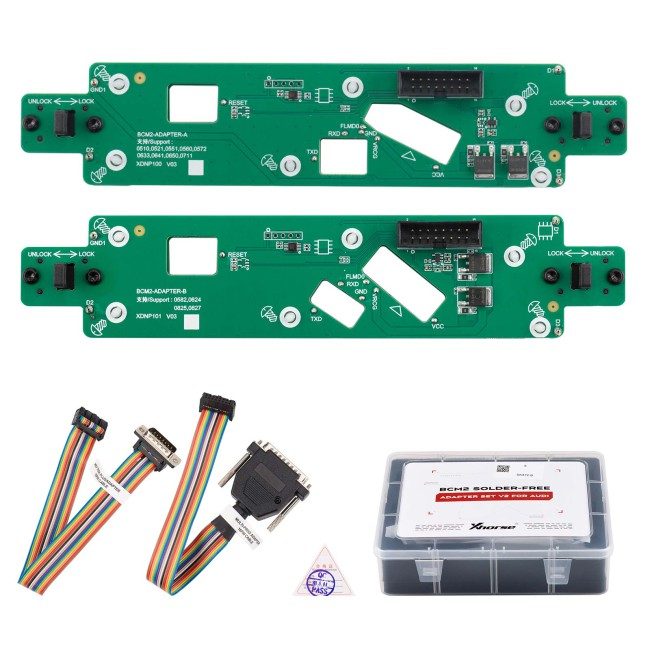
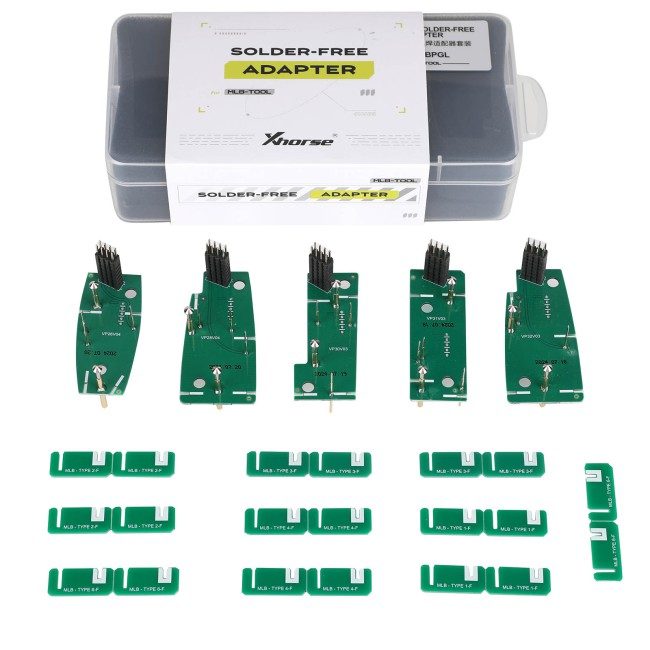
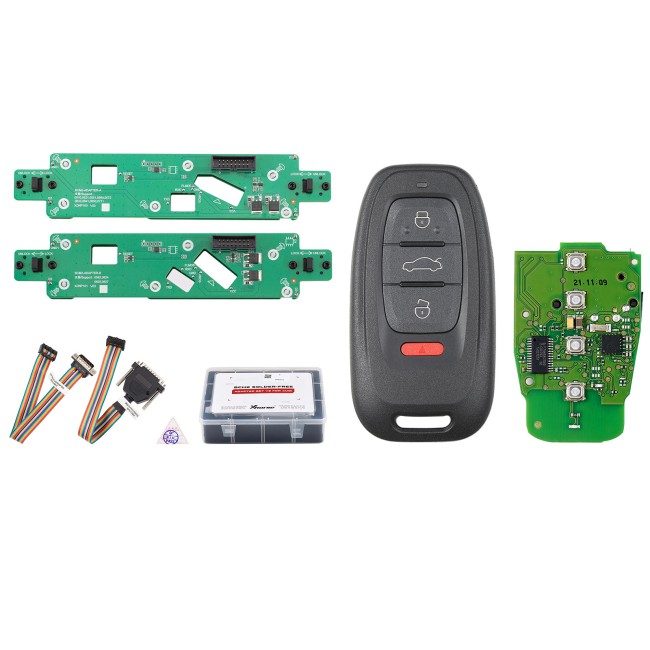 New Version Xhorse Audi BCM2 Solder-free Adapter V2 + New Version Xhorse 754J Smart Key PCB (XSADJ1GL for Audi) + Key Shell — — Tilattavissa 190.00 €View →
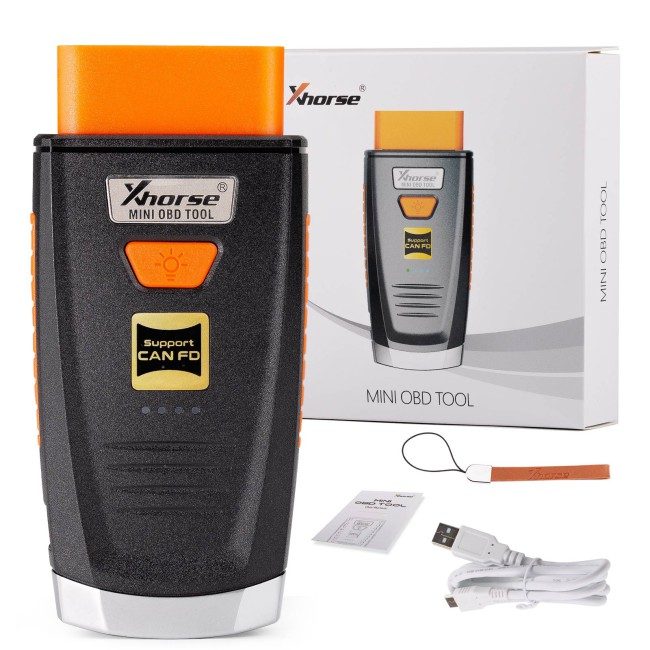
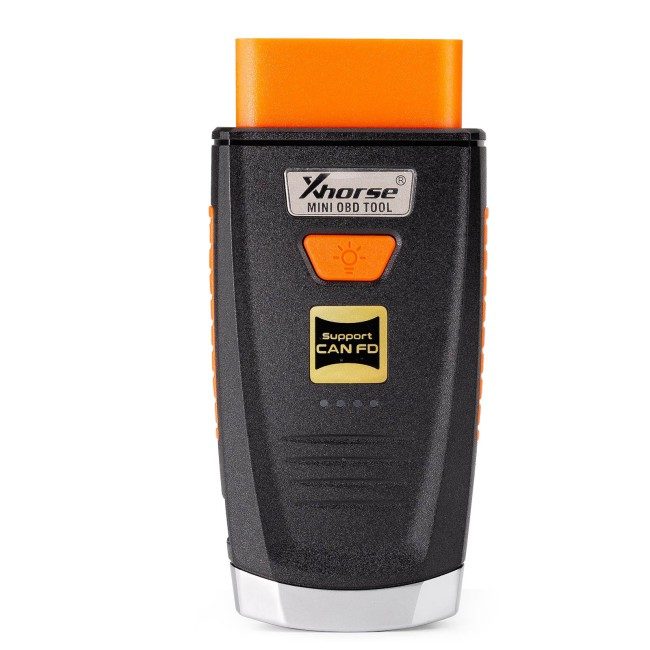
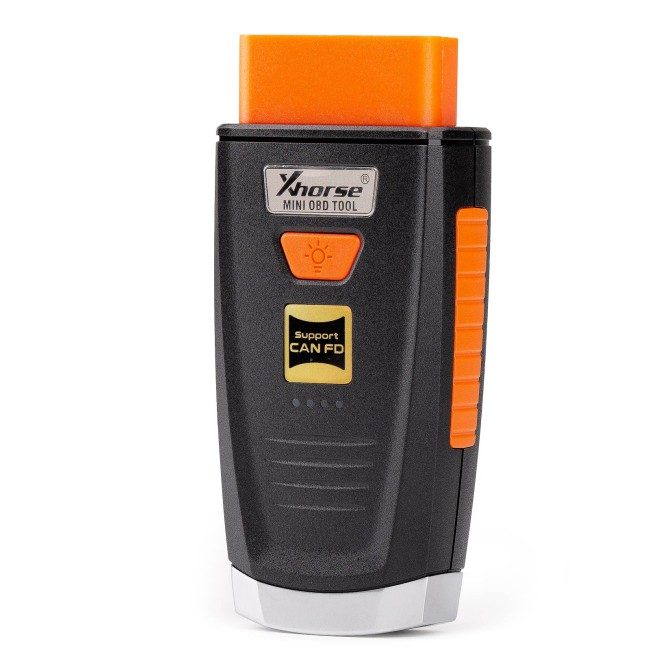
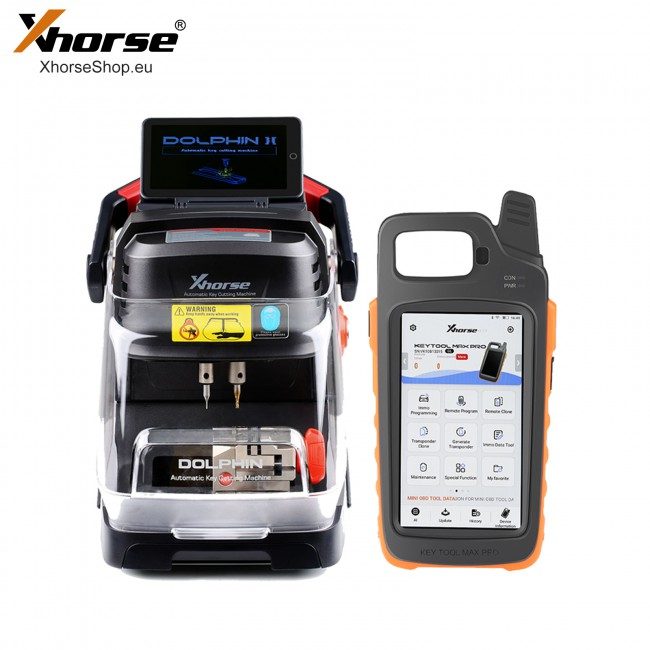
The new VVDI Mini OBD Tool is designed to work in tandem with the VVDI Key Tool Max. It is a wireless OBD vehicular interface that provides diagnostic reporting and manipulation as well as containing immobilizer programming capabilities. If you do any automotive work at all, you’re going to want to embrace this new platform.
Xhorse VVDI MINI OBD Tool V2 for VVDI Key Tool Max
Note:
1). Upgrade version of Mini OBD Tool
2). The Mini OBD V2 now can work on mobile phone (not only as an extension of key tool max.)
Xhorse Mini OBD Tool V2 is a wireless OBD vehicular interface that provides diagnostic reporting and manipulation as well as containing immobilizer programming capabilities.
if a key cannot be cloned or all keys lost then OBD is used
it also has some other functions like odometer corrections and adaptive resets
Xhorse Mini OBD Main Functions:
Immo programming
Throttle Program
More Function
Battery Programming (Not yet open)
Odometer Correction (Not yet open)
Steering Angle Calibration (Not yet open)
Key Code Learning (Not yet open)
EABS Programming (Not yet open)
Remote Manual Programming (Not yet open)
Vehicle Diagnosis (Not yet open)
Tire Pressure Light Reset (Not yet open)
Maintenance Light Reset (Not yet open)
Can be used with VVDI Key Tool Max to perform remote function (Generate transponder,Transponder Clone, Generate Remote,Remote Clone, OBD matching transponder/remote/smart card.)
The underlying goal here is to provide you a single system which will guide you through creating a functional key and get it programmed to the vehicle.
Step 1: Read the vehicle data (VIN & immobilizer) via OBD utilizing the Mini OBD Tool and Key Tool Max (required)
Step 2: View the remote and transponder chip information for the vehicle you're plugged into, directly from the Key Tool Max tablet. Utilize that information to instantly generate your chip and key.
Step 3: View the proper keyway (on the Key Tool Max) for cutting on the Dolphin and cut your blade (once you've Lishi'd to determine your cuts).
Step 4: Take your completed key back to the vehicle for immobilizer programming with the Mini OBD Tool and Key Tool Max.
Step 5: Profit!
The diagnostic software suite will include the ability to read and clear check engine codes, modify antilock braking systems, adjust TMPS settings, performance tune the ECM and so much more.
Xhorse App V1.8.5 and up adds xhorse mini obd tool software
Now just Immo programming function and Collection testing data function release, OBD2 Diagnostic, Immo Programming, Maintenance Light Reset,Throttle body Learning, KM Calibration and more functions are under development.
will release in the future.
How to Connect Mini OBD with Key Tool Max?
There are 3 ways for Key Tool Max connect to MINI OBD TOOL:
1--USBTYPE-C cable
2--WIFI
3--Bluetooth
1) Click on the [Select] on the HOME page,available device will be shown on the screen,choose device to connect according to Serial Number
2) Software will detect current device with software interface connection status,WLAN connection status and WIFI connection status.
How to Update VVDI Mini OBD Tool Software?
Xhorse vvdi mini OBD tool update is done via key tool max upgrade.
You need Xhorse Keytool Upgrade Kit.
Install it on your PC, make sure Internet-connected online.
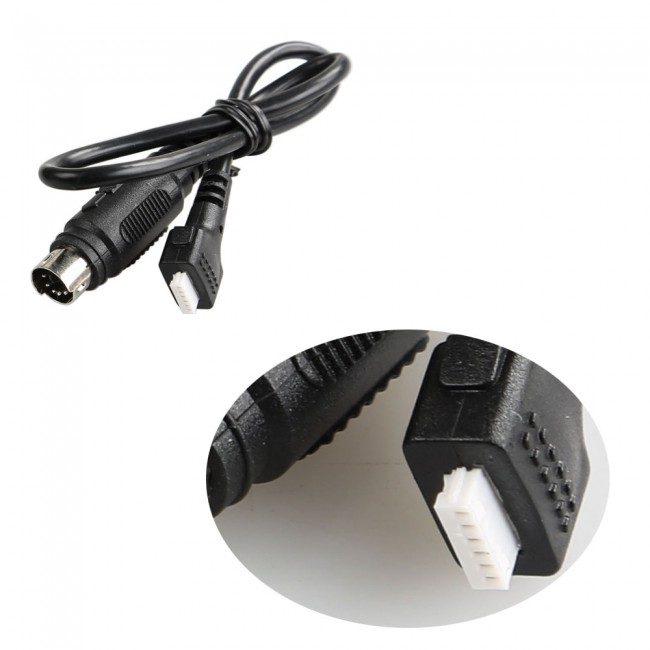
>>connect white USB cable provided on Mini OBD Dongle to PC USB. Just follow on pop-up screen instruction. This stage do not switch ON your KeyTool Max.
The upgrade kit will Auto Detect your device and update to the next version.
IMPORTANT update firmware version in sequence do not jump to the latest Version number.
Do it step by step until you get the latest version.
Finished>>>Switch on your Key Tool Max and pair (Bluetooth) with Mini OBD Tool, and you get screen pop-up menu on Key Tool Max.
Package list
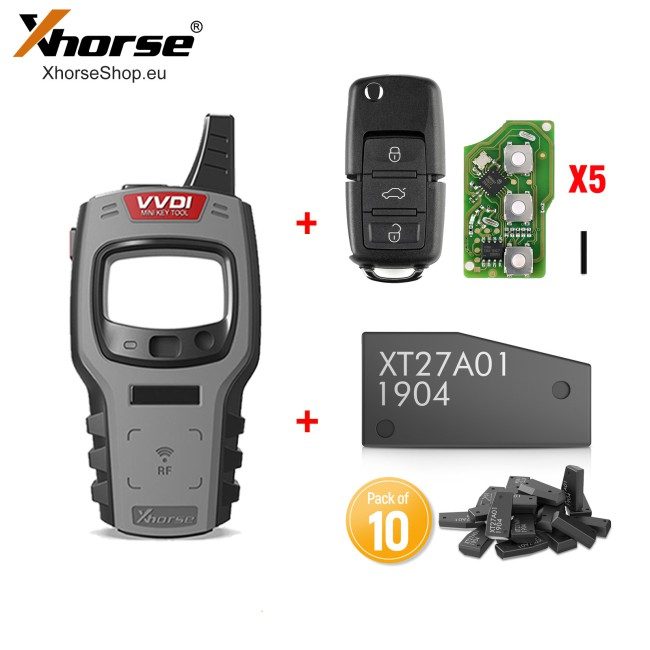
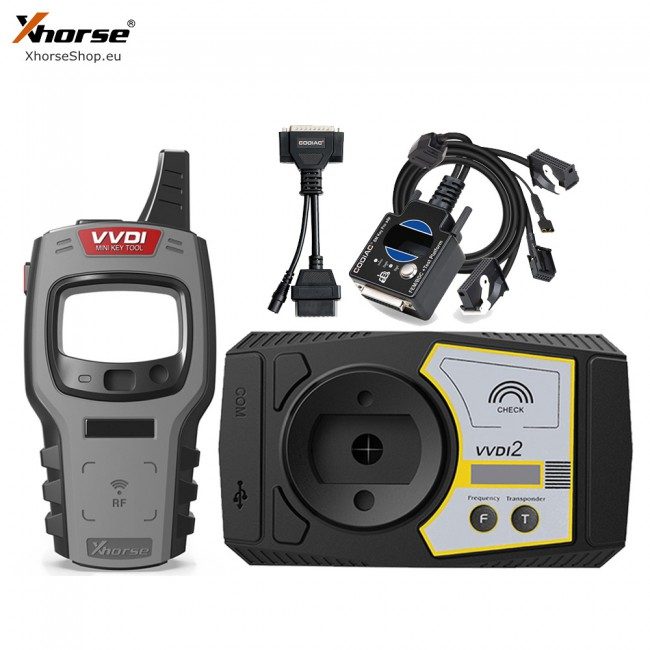
1 * Xhorse VVDI MINI OBD TOOL
Delivered by insured courier across the EU. The delivery date is shown at checkout before you pay. Returns within 14 days on the terms of the offer.
Specifications
- House
- Xhorse
- Model
- Version Xhorse
You may also like
Näytä kaikki →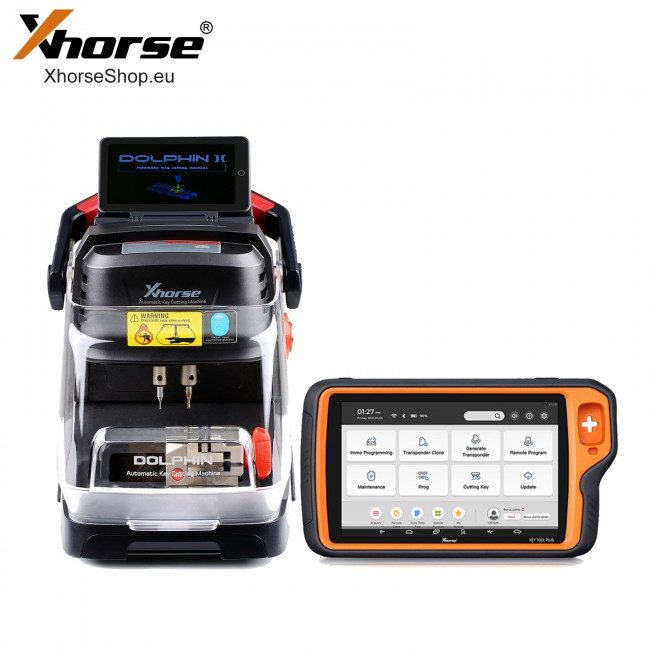
Arvostelut
Ei vielä arvosteluja — ole ensimmäinen!