



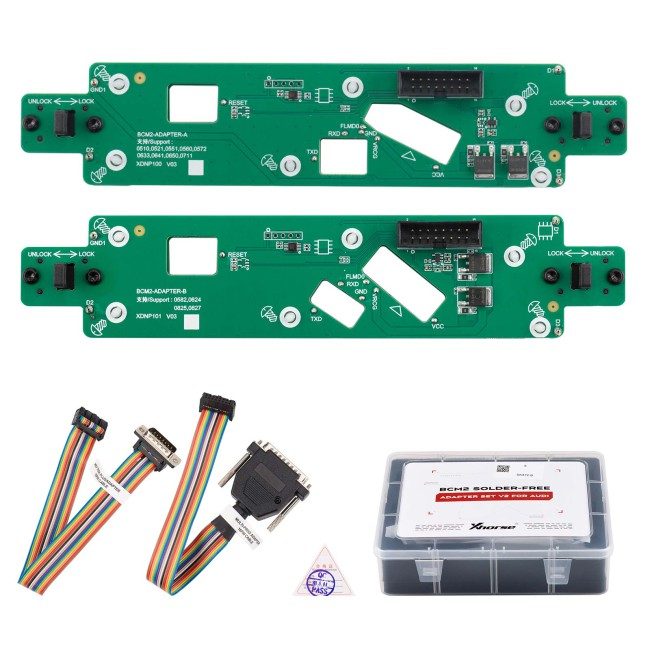
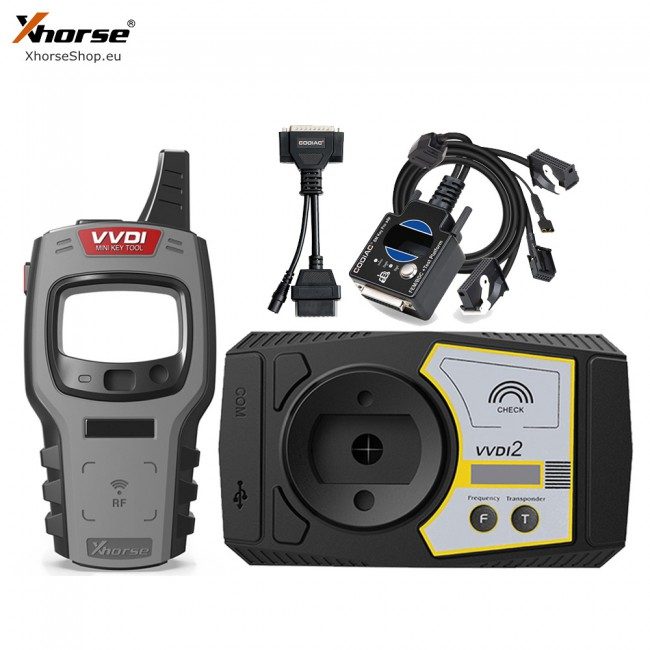
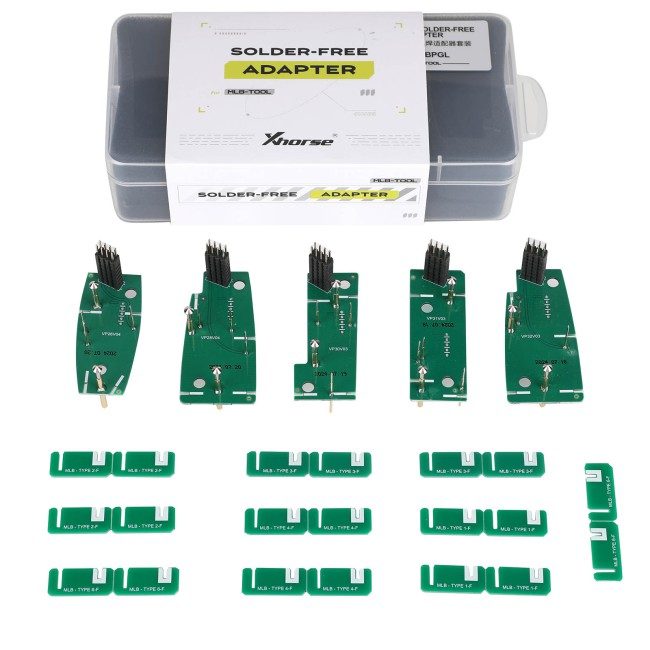
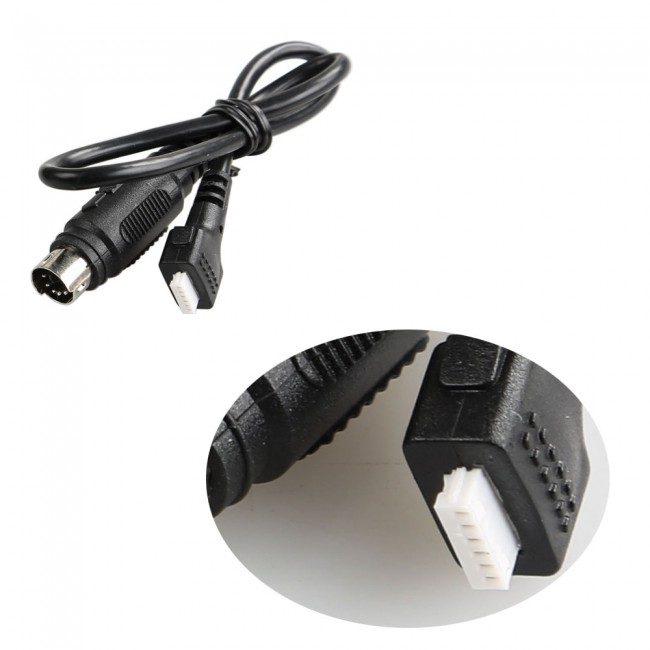
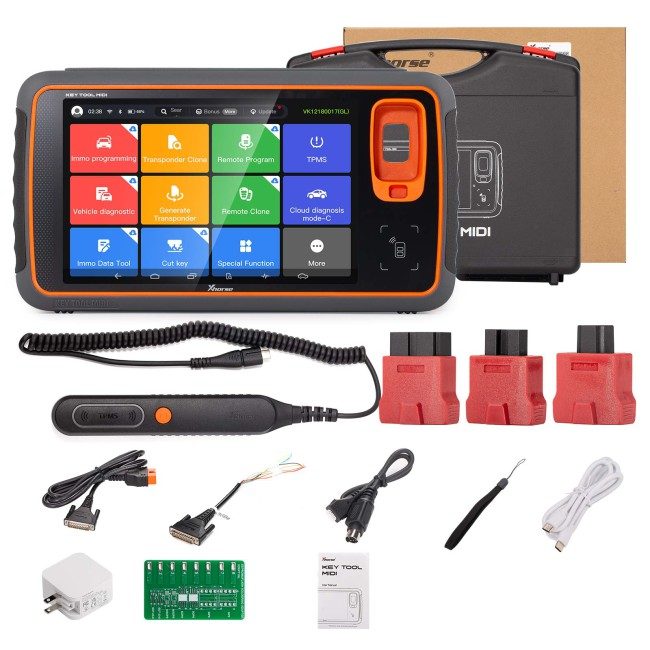




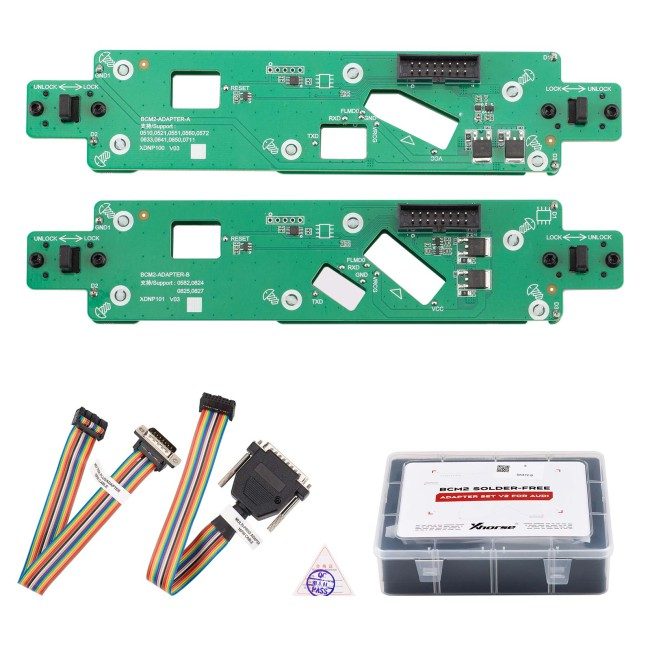
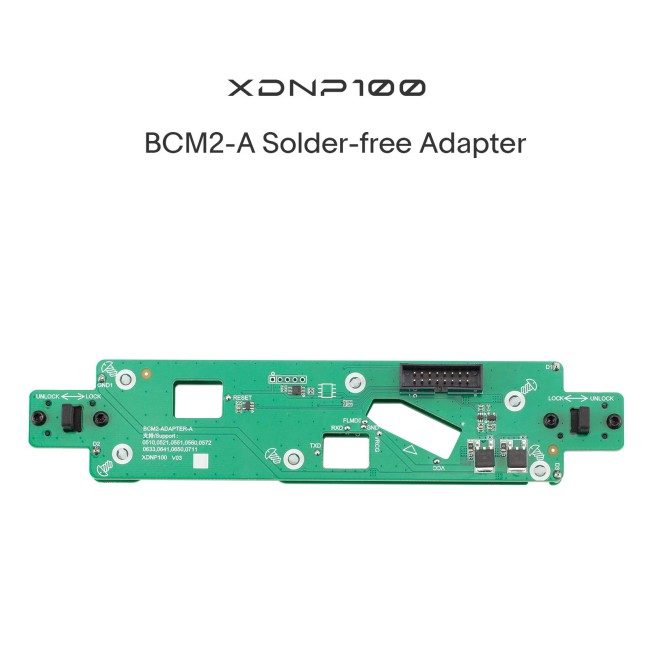
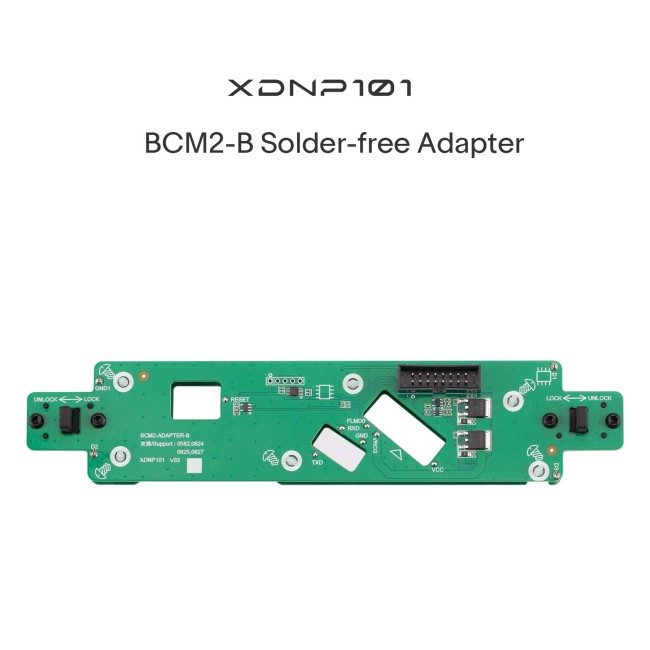
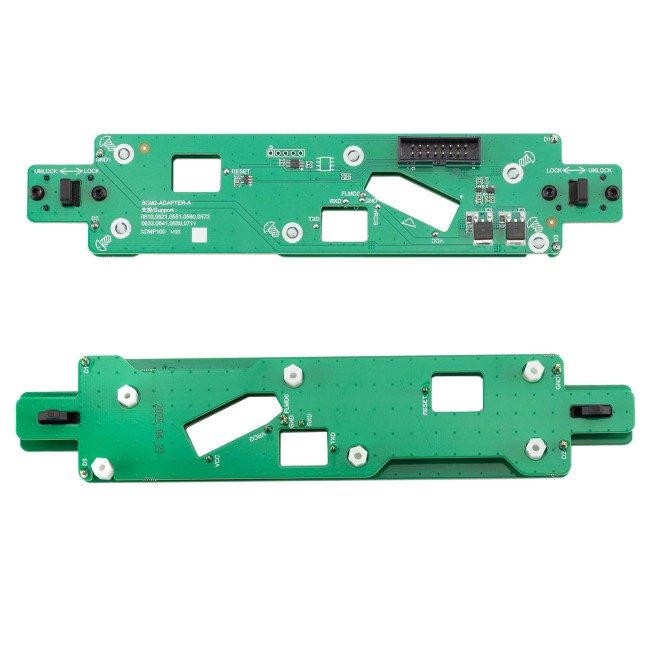
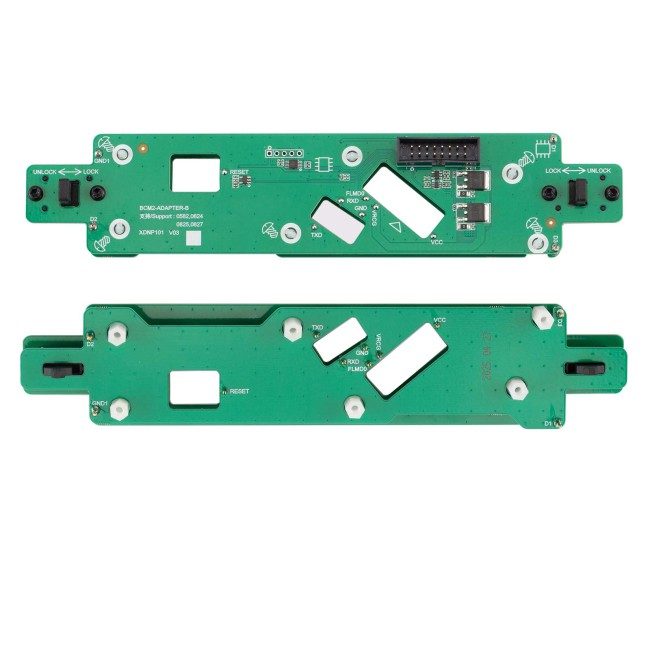
Xhorse BCM2 Solder-free Adapter for Audi All key lost and Add Key. Work with Key Tool Plus/ Multi ProgNo need to solder anymore while reading AUDI BCM2 module. It's able to provide simple and safe adding key as well as all key lost solutions for AUDI vehicles.
Xhorse Audi BCM2 Solder Free Adapter for VVDI Key Tool Plus and VVDI2 + Multi Prog
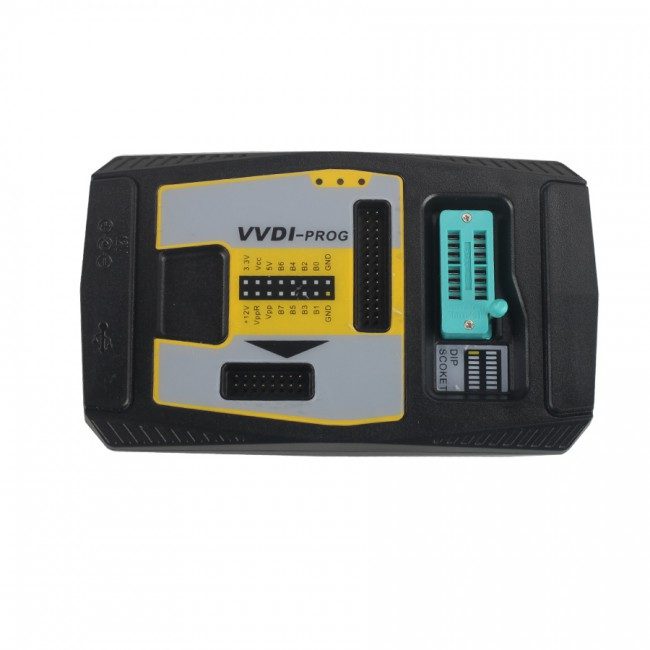
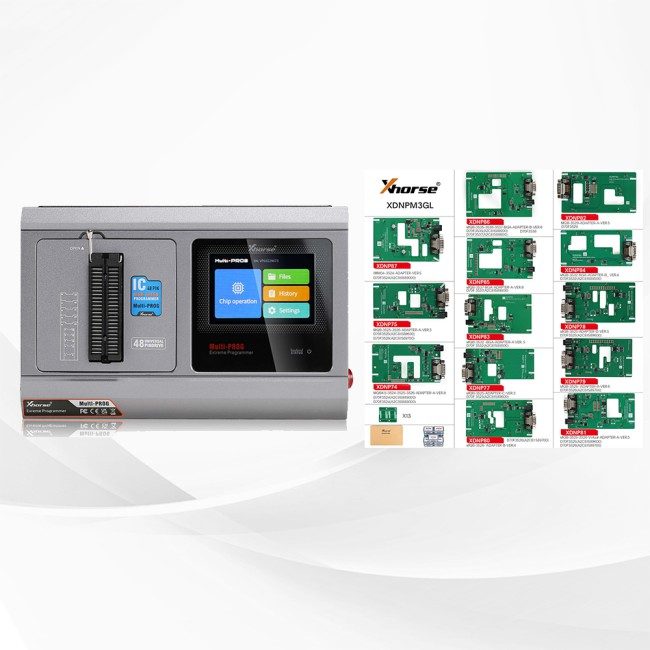
Work with VVDI Key Tool Plus / Multi Prog, not work with old vvdi prog
This adapter has been replaced by New Version BCM2 We will send new version by default.
Xhorse BCM2 solder-free adapter is the best affordable choice when all your keys are lost or when you want to add keys. It works with Key Tool Plus/VVDI2+VVDI Prog. It's able to provide a simple and safe way to add keys as well as a solution when all keys are lost for Audi vehicles.
This adapter is used to read Audi's encrypted BCM computer data. There is no need to solder anymore while reading AUDI BCM2 module, therefore, it is friendly to the people without soldering techniques. Being solder-free it creates a safer environment and also protect users' money by avoid damaging Audi BCM2 modules.
Support List
2013-2019 A4L, A5, Q5
BCM2 version: 0711, 0650, 0641, support add key and all keys lost
2013-2019 A6L, A7, A8
BCM2 version: 0825, 0824, 0827, support get BCM2 immo data when all keys lost
Support get BCM2 immo data without original key ID.
Support exchange BCM2 function in future updates.
Xhorse BCM2 Solder-free Adapter Set For Audi Features:
1. All Key Lost, No Soldering Techniques Required.
2. No Need to Connect VW Server to Compute Data (Save Your Money).
3. Obtain BCM2 Immo Data without Original Key ID.
4. Compatible with VVDI Key Tool Plus Pad and VVDI2 + VVDI Prog (VVDI Prog is Used to Read BCM2 Data).
Xhorse AUDI BCM2 Adapter Wiring diagram
BCM2(D70F3634/D70F3380) Wiring diagram
BCM2 adapter + BCM2-A1 cable
Xhorse VVDI BCM2 Adapter with VVDI PROG + VVDI2 Connection Guide
Xhorse VVDI BCM2 Adapter with KEY TOOL PLUS Connection Guide
How to Identify An Encrypted Audi BCM2?
Generally, BCM2 modules before 2013 are unencrypted while those after 2013 are encrypted.
1. Read BCM2 Info via OBD by VVDI2/Key Tool Plus (Accurate, Recommended)
Before we remove a BCM2, connect VVDI2/Key Tool Plus to check BCM2 status.
VVDI2:
Quick Start>>VAG>>Key Learn>>Fifth Immobilizer-Locked BCM2 version>>OBD Read Version>>Step 1: Show BCM2 information
Key Tool Plus:
Immo Programming>>Audi>>Select by type>>Fifth Immobilizer System>>Start Programming>>Read BCM2 Data>>OBD identify BCM2 type
2. Check by BCM2 Code (Simple, not recommended)
After we remove a BCM2 module, check the code on the box.
When we select the chip type, support list will display.
If BCM2 type is listed, we need to read it by BCM2 Adapter.
1. Does BCM2 Adapter support A6L all key lost?
A: A6L does not support currently. At present, it only supports A4L, A5, and Q5 all-lost-free data. A6L supports reading BCM2 all key lost. You need to find a third party to get the sync data.
2. Does the adapter work with VVDI2?
A: Absolutely. Upgrade the software of VVDI2 to the latest version and then you are free to use the adapter.
Please note that reading BCM2 data would require VVDI PROG.
3. Does it support OBD way for A4L from 2013 to 2018 year?
A: No. The 2013-2018 year A4L needs to read BCM2 data through the Audi free soldering adapter, while the A4L before 2013 can obtain BCM2 data by OBD, and no need get data from third party.
4. Can I read BCM2 data directly by wiring?
A: The solder-free adapter kit has 6 parts. Its core component is the orange BCM2 adapter. With this adapter, the BCM2 data can be read by soldering wires. In addition, in order to prevent welding damage to the BCM2 ECU, we strongly recommend that solder-free adapter.
5. Is BCM2 easy to disassemble?
A: Usually, BCM2 module is beneath the protection pad of the car trunk. It can be easily spotted and levered to take out the PCB.
6. Is there an fee when using BCM2 adapter? Will cost bonus points?
A: A: No update fee or fee to pay to Xhorse, but some car models need third party sync data, and no points will be deducted.
7. Are there any special restrictions on the keys used?
A: You can use the 754J key currently on the market.
8. Which tool could work with AUDI BCM2 adapter?
A: It's able to work with KEY TOOL PLUS or VVDI2 & VVDI PROG. Users can work with different tools according to what they have in hand.
9. How much is the 3rd party service?
A: Currently, Xhorse does not cooperate with any 3rd party service. Users could contact the service provider themselves and ask for the purchase info.
10. VVDI Key Tool Plus with BCM2 Adapter to read AUDI BCM2, but prompts "Error Code: 13040031" and "Data Reading failed". How to solve?
A: Do Not try as you like when it shows "Error Code: 13040031", the correct way is to check cables & adapters connection and external power supply, try to read again and it should be fine (Do Not read DATA1 again, unlock BCM or try to install BCM back and read via OBD). Read data as instructions and restore BCM back, and there will be no other problems.
Package List:
1 set* Xhorse BCM2 Solder-free Adapter:
1 pcs* XDN63 BCM-1 Solder free Adapter
1 pcs* XDN64 BCM-2 Solder free Adapter
Delivered by insured courier across the EU. The delivery date is shown at checkout before you pay. Returns within 14 days on the terms of the offer.
Specifications
- House
- Xhorse
You may also like
Näytä kaikki →
Arvostelut
Ei vielä arvosteluja — ole ensimmäinen!